Transitioning Customers’ Files to a Next Generation Platform
Summary (T.L.D.R)
- PROBLEM: Workiva originally built their entire platform using Adobe Flash so it all needed to be rewritten and redesigned before the deprecation of Flash.
- TOOLS: Workiva’s Webskin design system, Sketch, Google Suite
- DISCOVERY: Several discovery loops of ideation, interviews, beta group interviews/usability testing and engineer feedback.
- RESULT: Customers trusted the transition process, understood how to start it and knew in advance what the results would be.
Background
Workiva originally built their platform on Adobe Flash. Everything in the Workiva platform was impacted by the decision by Adobe to sunset Flash. As the next generation platform built to replace the legacy Flash products began to match parity of the legacy system, the challenge of how to get our customers on the new platform started.
Problem
How do we get our customers to seamlessly transition into using our next generation products when they reuse their existing files quarter after quarter?
Proposed solution
Build a transition tool that we can plug into their existing quarterly roll forward workflow to allow them to seamlessly transition into using the new products at the perfect time for their company.
As a Workiva user, I want to be able to use the next generation products without having to create new files from scratch.
Constraints
- Each new feature would take a lot of time to build, so UI updates will likely occur iteratively rather than as one whole UI update.
- No dedicated PM so there was no set roadmap and priorities changed often depending on stakeholder’s consensus.
Stakeholders
- VP of Development
- Two Lead Customer Support Managers
- Manager of the Transitions development team
Discovery
This project was unusual in that it was not initially customer driven. Workiva having to create brand new products rather than update our existing products was an internal problem, not a customer problem. It also was not our customers fault that their files would not work with our new system. Granted, we used the opportunity to improve and validate the features of nearly every aspect of the Workiva platform, which is the silver lining to having to ‘start over’ a product.
This tool was built very iteratively with additional functionality being added on and pushed to production in small increments. Our approach to this tool was that the sooner we could give the customers something to use, the sooner we could get feedback on how that was working for them, what they really needed right now, and what could be added at later times.
Additionally, we wanted to reassure our customers that we would not impact their existing files. Thus, the transition tool created a copy of the legacy file in the new platform. This would help make our customers feel more comfortable knowing they still had their original file as a backup.
Implemented iterations
Due to the speed of which new features were being added or tweaked, I tested with our internal customers weekly, showing them updated mockups and getting their feedback on the newest iteration of the transition tool.
I selected a few iterations to show how much the tool changed over time, but please note that there were many tweaks not shown here that we either discarded or iterated over.
Iteration 1
The first iteration was very utilitarian because at first only our internal Customer Success members would be using it to manually transition a few customers. (It was hidden behind a feature flag so we could easily control which customers has access.) Very few actual customers saw this modal. It basically consisted of 4 parts: header with instructions, transition settings, file settings, and a ‘preview’ list of the files that would be transitioned.

Iteration 2
This is the point at which some specially selected customers were able to utilize the transition tool on their own, but still with their CSM paying close attention to the process. We had begun to add in a lot more settings and space was becoming an issue. So we decided at this point that our transition tool was more of a wizard, with 2 steps.
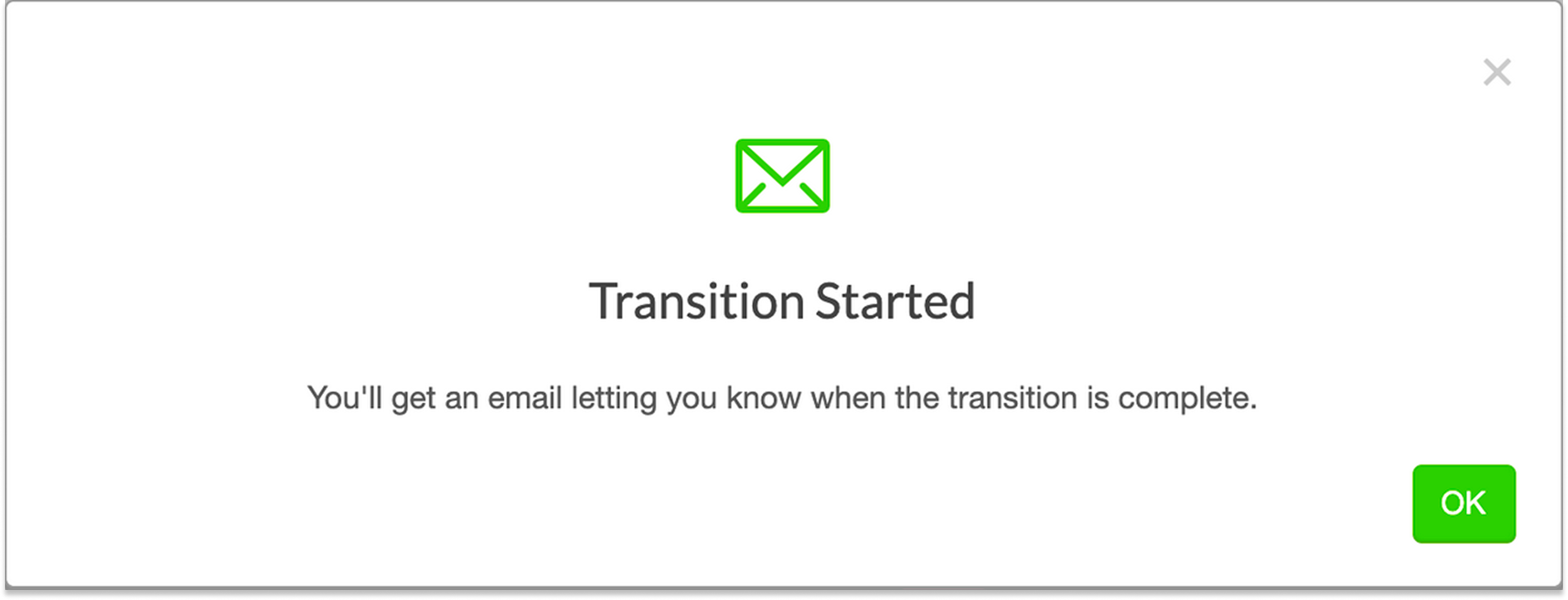
We also realized through testing that people were missing the fact that they would receive an email when the transition was completed. This was also a problem with a few other of our ‘job’ type processes like copy or import. So we created a new pattern of showing a smaller dialog after the transition or copy was initiated that would make it more apparent what would happen next.


Iteration 3
This iteration should likely be the final one. There may be some UI updating in the future but it would be more focused on consistency of our job type modals than geared specifically to updating this.
Because of the file line choice to include a file in the process at all, we were able to dramatically clean up the second step. We also were able to add in the ability to choose where to save the new files.
Customers now have the ability to use the transition tool freely and are heavily encouraged to do so.


 Katie Cissell